

UPI fraud prevention india starts with two habits: turning on the verified-recipient-name feature and learning the scam red flags before you approve a payment. This guide walks salaried users through the safety settings that matter in 2026.
Digital payments have become the default way salaried Indians pay for groceries, rent, and everything in between, which is exactly why UPI fraud prevention in India now deserves a dedicated slot on your monthly money checklist. In 2026, the National Payments Corporation of India (NPCI) rolled out a verified-name-on-scan feature that shows the beneficiary’s bank-registered name before you approve a transfer. That single change closes a gap scammers have exploited for years.
The catch is that a feature protects you only if you switch on the right settings. Most fraud does not break your bank’s encryption; it tricks you into approving a payment yourself. This guide walks you through how the verified recipient name feature works, the exact app settings to enable today, the scam patterns to recognise, and the steps to take if money has already left your account.
Think of your UPI app as a front door: the lock is strong, but it only protects you if you use the latch.
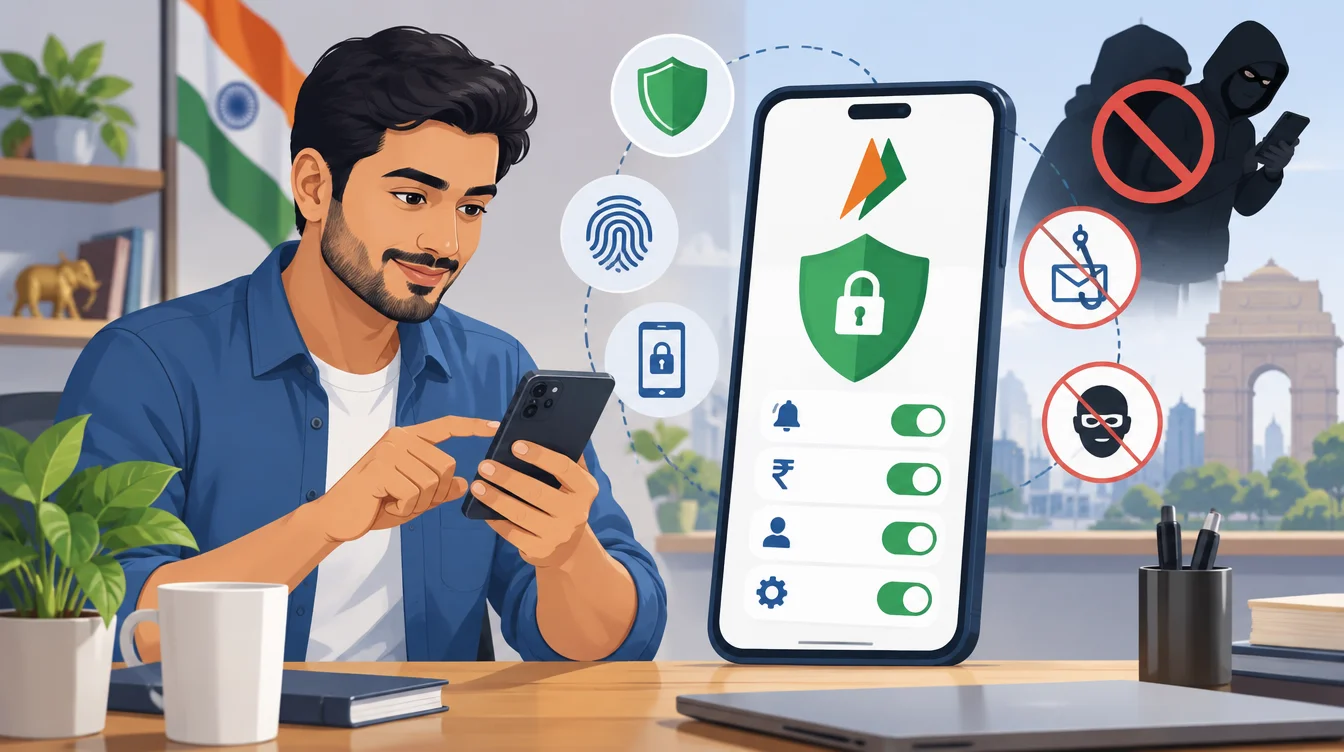
UPI Fraud Prevention India: Why 2026 Is a Turning Point
For salaried readers who send dozens of small payments a week, the risk is not one giant hack. It is the steady drip of social-engineering scams that convince ordinary people to authorise transfers or share one-time codes.
The 2026 verified-name rollout matters because it attacks the most common failure point: paying the wrong person because a QR code or handle looked legitimate. Before you dive into settings, it helps to understand the two broad categories of loss.
Authorised versus unauthorised fraud
Unauthorised fraud is when someone moves money without your consent, which UPI’s two-factor design makes genuinely difficult. Authorised fraud is when you approve the payment because you were misled. In practice, the second category is where most retail losses now sit.
Where the salaried reader is exposed
Rent transfers, marketplace deals, refunds, and “customer care” calls are the usual pressure points. A common rule in Indian personal finance is that any urgency around money should slow you down, not speed you up. Good UPi safety settings add friction exactly where fraudsters want speed.
How the Verified Recipient Name Feature Works
The NPCI verified-name feature is the headline upgrade for 2026, so it is worth understanding in plain terms before trusting it blindly.
What you see on screen
When you scan a QR code or enter a UPI ID, your app now displays the recipient’s name as registered with their bank, not the nickname the payee chose. If the displayed name does not match the shop, landlord, or person you expect, that mismatch is your cue to stop.
Why the UPI-verified name feature reduces errors
Earlier, a scammer could set a friendly display name like “Amazon Refund” on an account that actually belonged to an individual. The UPI-verified name feature pulls the bank-verified name instead, so a personal account can no longer masquerade as a brand. It does not stop you from paying if you ignore the warning, but it removes the disguise.
What it does not do
A verified name confirms who holds the account, not whether they are honest. A fraudster using a real account under their own legal name will still show that name. Treat the feature as one strong signal, not a guarantee. For a wider view of account-level protections, the guide on safety settings for bank accounts to check in 2026 pairs well with this one.
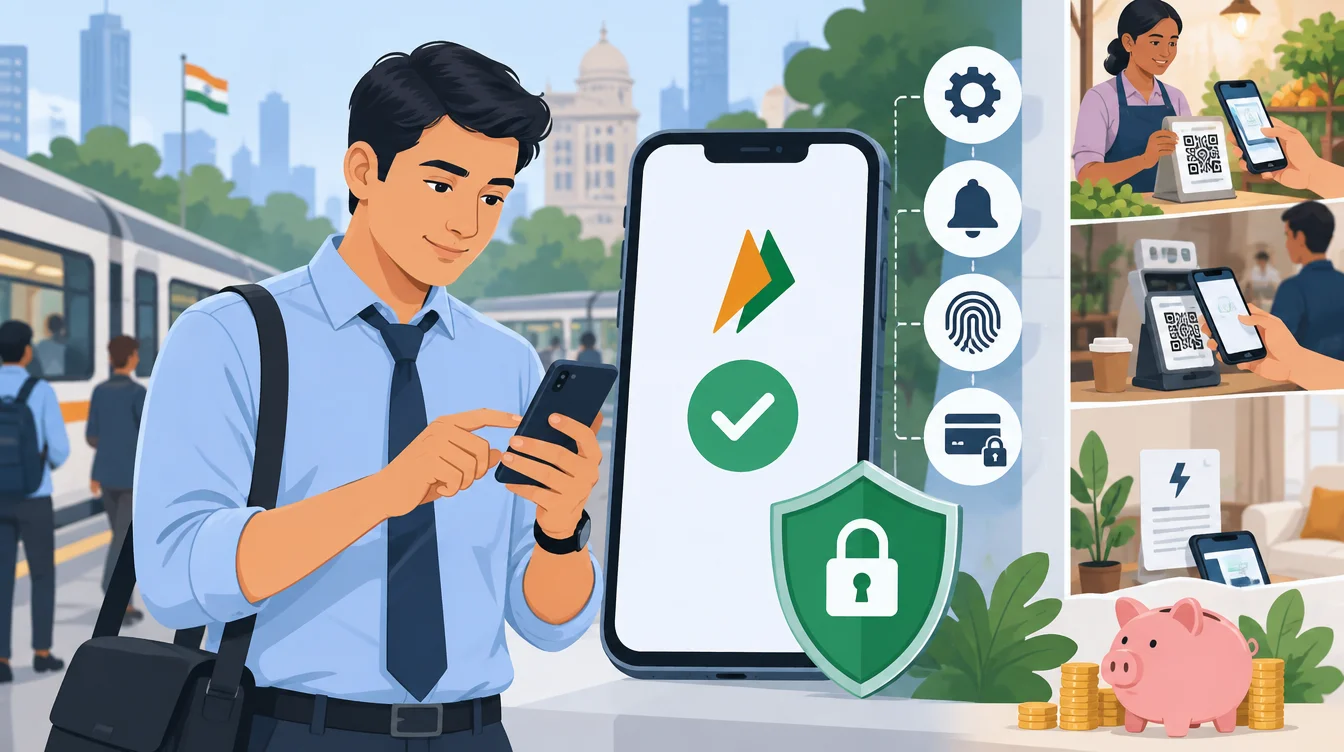
UPI Fraud Prevention India: Step-by-Step Safety Settings Checklist
Settings are where UPI fraud prevention in India stops being theory and becomes habit. Work through this list once, and most of it stays protective forever.
Core settings to enable today
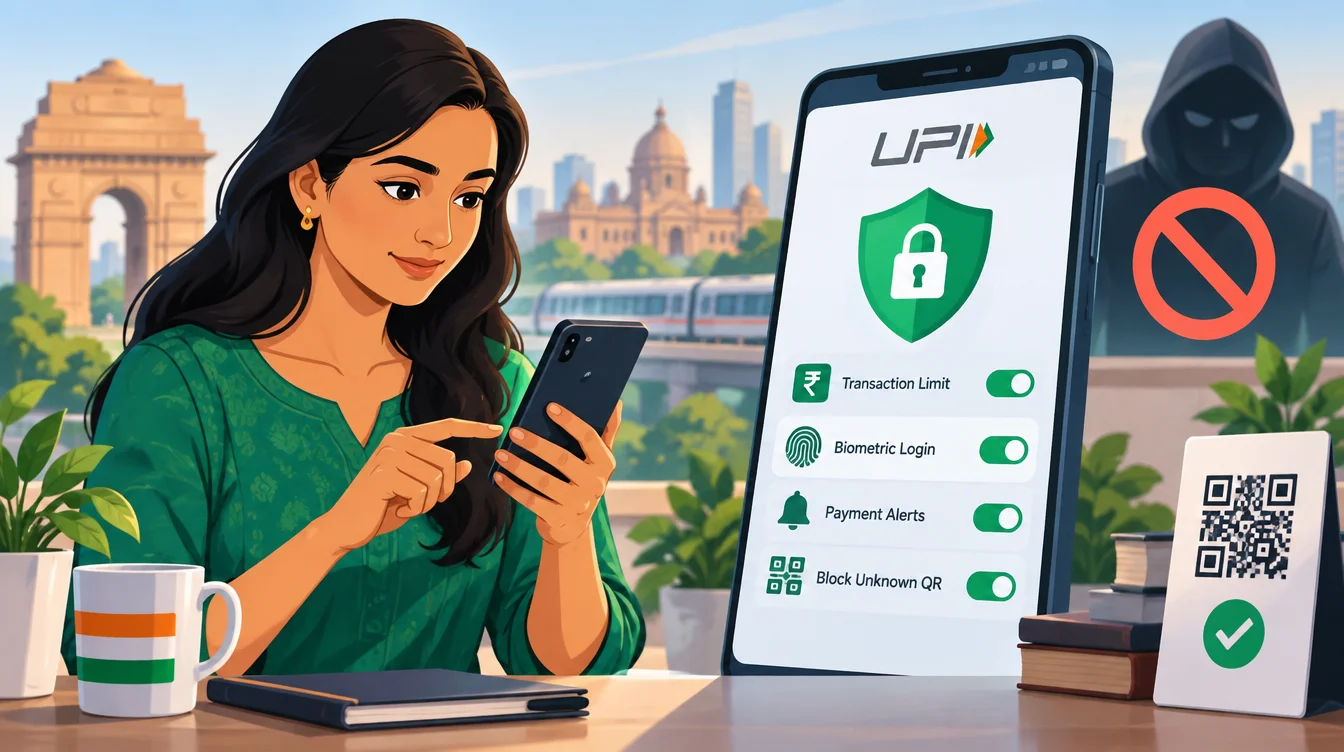
- Turn on app lock (biometric or PIN) so a lost phone does not equal a lost bank account.
- Enable the verified recipient name display and read it every single time.
- Set a daily transaction limit you can live with, for example, Rs.25,000, so a single mistake cannot drain the account.
- Switch on transaction alerts by SMS and in-app notifications for every debit.
- Disable collect requests from unknown handles, since legitimate merchants seldom need them.
Settings to review every quarter
Once a quarter, reopen the app and confirm your linked bank account, registered mobile number, and UPI limits are still what you intend. Remove any old handles or devices you no longer use.
A quick worked example
Suppose your salary account holds Rs 150,000 (1.5 lakh) mid-month. With a daily UPI cap of Rs.25,000, even a worst-case scam approval limits a single day’s exposure to that cap rather than the full balance. Tracking those debits is easier if you also use one of the free UPI spend tracking methods on this list.
UPI Fraud Prevention India: Common Scam Patterns and Red Flags
Recognising the script a fraudster follows is half the defence. These patterns repeat because they work on rushed, distracted people, not because victims are careless.
The “receive money” reversal trick
You never enter a PIN to receive money. If a caller asks you to approve a request or type your UPI PIN “to accept a refund”, it is a scam designed to make you pay, not get paid.
Fake customer care and QR traps
Scammers post fake helpline numbers and send QR codes claiming you must scan to receive a payment. Scanning a QR only ever sends money out. Treat any inbound QR with the same suspicion you would treat a stranger asking for your wallet.
Red flags worth memorising
- Urgency, threats, or a countdown (“your account will be blocked in 10 minutes”).
- A request to install a screen-sharing or remote-access app.
- A recipient name on screen that does not match who you think you are paying.
- Any demand for your UPI PIN, OTP, or card CVV, none of which staff ever need.
Many of these overlap with broader digital-wallet errors, covered in this rundown of money mistakes to avoid with mobile payment apps.
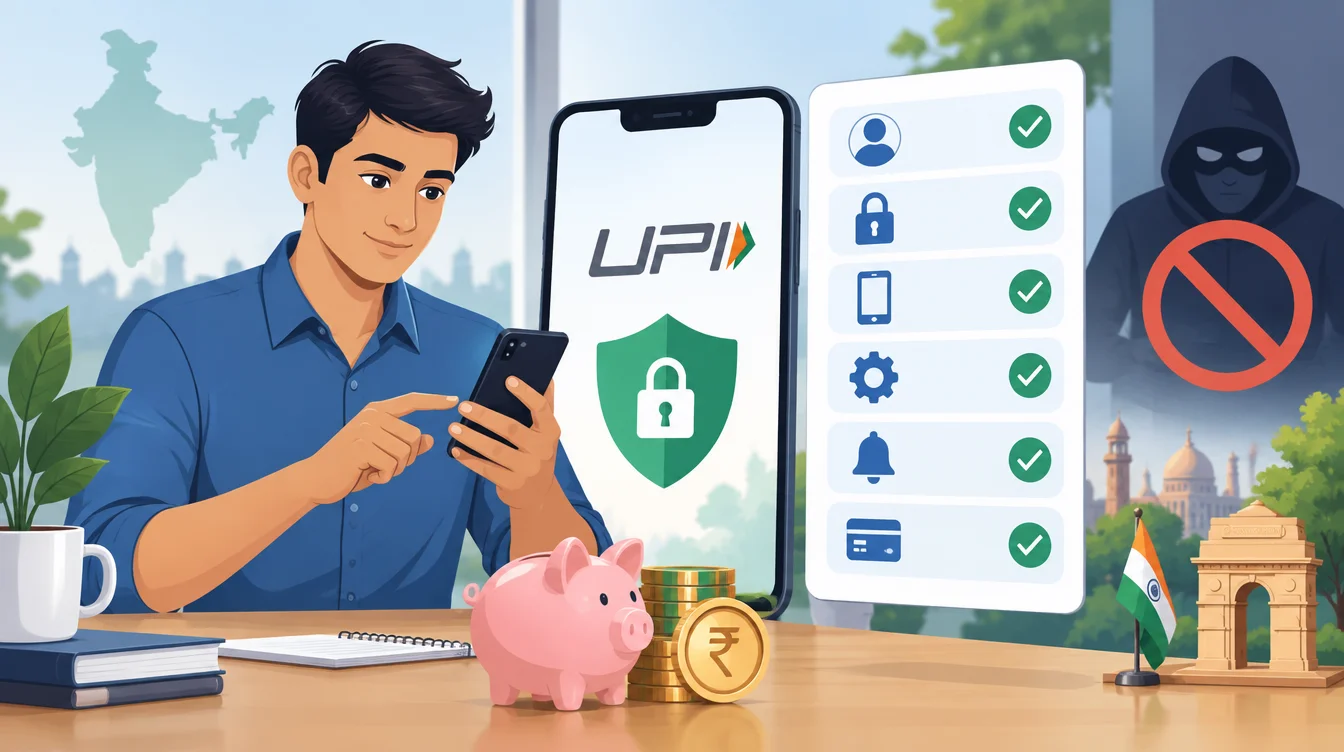
Is UPI Safe Enough for Daily Salaried Use?
Yes, UPI is safe enough for everyday salaried use when app lock, verified-name checks, sensible limits, and debit alerts are all switched on. The system’s two-factor design blocks most unauthorised access, so your main job is to avoid authorising a payment to the wrong hands. Discipline, not the technology, is the weak link.
Balancing convenience and control
Setting a lower daily limit costs a few seconds when you occasionally need to raise it, but it caps the damage from any single lapse.
What to Do If Money Is Sent to a Fraudster
Speed matters more than anything once a wrong transfer has happened. The first hour is when recovery odds are highest.
Immediate steps
- Call your bank and the UPI app’s official support line to report the transaction and request a freeze on the beneficiary if possible.
- File a complaint on the national cybercrime portal and dial the 1930 cyber-fraud helpline as soon as you can.
- Note the transaction ID, amount, time, and the recipient handle for every report you file.
Follow-up and documentation
Keep written acknowledgements of each complaint. Banks act on documented, timely reports far more readily than on vague after-the-fact claims.
Comparing your reporting channels
| Channel | Best for | Typical speed |
|---|---|---|
| Bank helpline | Freezing or flagging the transaction | Immediate |
| UPI app support | Transaction dispute and evidence | Same day |
| 1930 cyber helpline | Formal fraud escalation | Immediate |
| Cybercrime portal | Written complaint record | Within hours |
Advanced Habits for Stronger UPI Scam Protection
Once the basics are in place, a few advanced habits raise your UPi scam protection further without adding daily friction.
Separate spending from savings
Link UPI to a low-balance spending account and keep your main savings in a separate account with no UPI attached. That structure means a scam can only reach the smaller pot. The comparison of fixed deposits versus savings accounts can help you decide where the bulk of your buffer should sit.
Verify before big transfers
For any transfer above your comfort threshold, send Rs.1 first and confirm receipt with the payee through a known channel before sending the rest. This tiny test payment catches most impersonation attempts.
Keep software current
Update your UPI app and phone operating system promptly, since security patches often close the exact holes fraud tools rely on. If your money habits are goal-driven, this goal-based monthly savings planner helps align safe spending with targets.
Frequently Asked Questions
Does the verified name feature guarantee the recipient is trustworthy?
No. It confirms the bank-registered name of the account holder, which stops a personal account from posing as a brand, but an honest-looking name does not mean honest intent. Use it as a strong signal alongside your own caution.
Can someone steal money from my UPI without my PIN?
UPI’s two-factor design makes unauthorised transfers hard, so most losses happen because the victim was tricked into approving a payment or sharing a PIN or OTP. Never share those codes with anyone.
Should I set a daily UPI limit even for regular spending?
Yes. A daily limit such as Rs.25,000 caps the damage from any single mistake while still covering ordinary spending. You can temporarily raise it for a genuine large payment.
Is it safe to scan a QR code someone sends to “pay me back”?
No. Scanning a QR code only ever sends money out, never receives it. Anyone asking you to scan a code to get money is trying to make you pay them instead.
How fast should I report a UPI fraud?
Immediately. Call your bank, dial the 1930 cyber-fraud helpline, and file on the cybercrime portal within the first hour, since early, documented reports give the best chance of a freeze or reversal.